CattCut Add-on · Blocks Animation System ES CattCut Get Blocks

BlocksAnimation System

Animate your
Minecraft videos
just by talking.

Describe the scene in your own words and Blocks animates it for you, and you change anything just by talking. Any skin or mob, your Java worlds and your texture packs.

Not an official Minecraft product. Not approved by or associated with Mojang or Microsoft.

my-short.mp4

"my cat jumps out from behind the bush and shoots the skeleton from the air"

The trailer.

The Blocks Animation System trailer, with what it does: animate, direct, design the sound and explain.

You talk. Blocks animates.

No timelines, no keyframes, no rigging. You tell Claude what happens, like you would tell a friend, and it builds the whole scene.

You say it

You describe the scene

my character runs, hides behind a bush and shoots the skeleton from the air

It builds it

Claude builds and directs it

It places the characters, picks the shots and checks that nothing goes through anything or floats.

CharactersCameraLightSound
Done

You get the clip

A finished video, vertical or horizontal. Want changes? Ask in words: "slower", "lower camera", "make it night".

No frame-by-frame animating No opening the game (just have it installed) No learning Blender

What you can make.

Plan the scene, pick the look, and add explanations on top. Every clip here was rendered with Blocks.

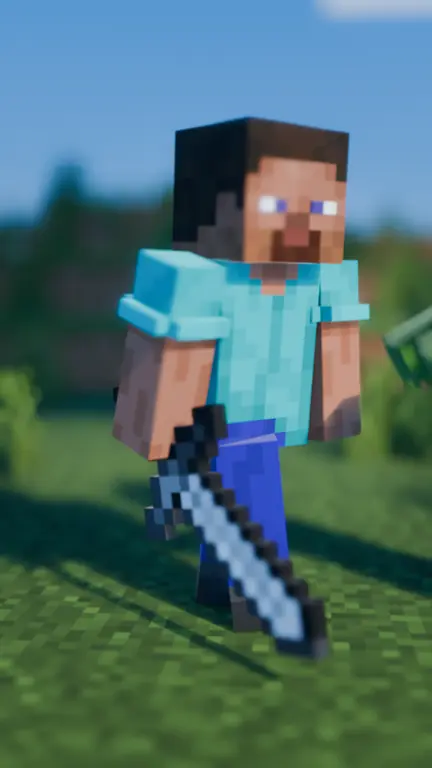
Cinematic
Depth of field, warm light and a camera that moves with your character.
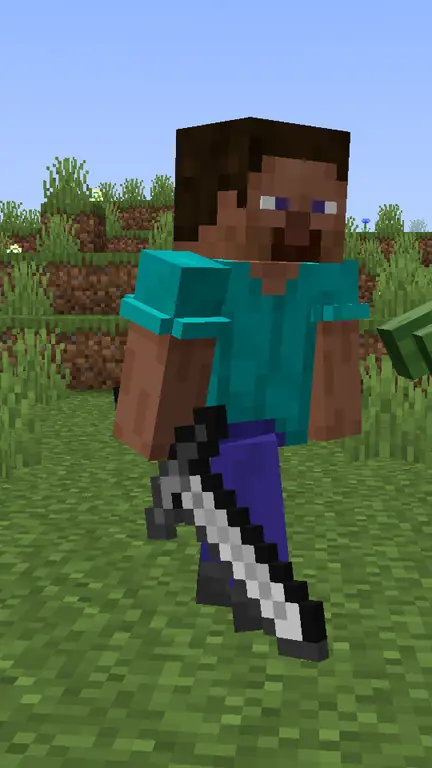
Vanilla (like the game)
Looks just like when you play: same light, same sky, same clouds. A village built with the houses from your game, from one sentence.
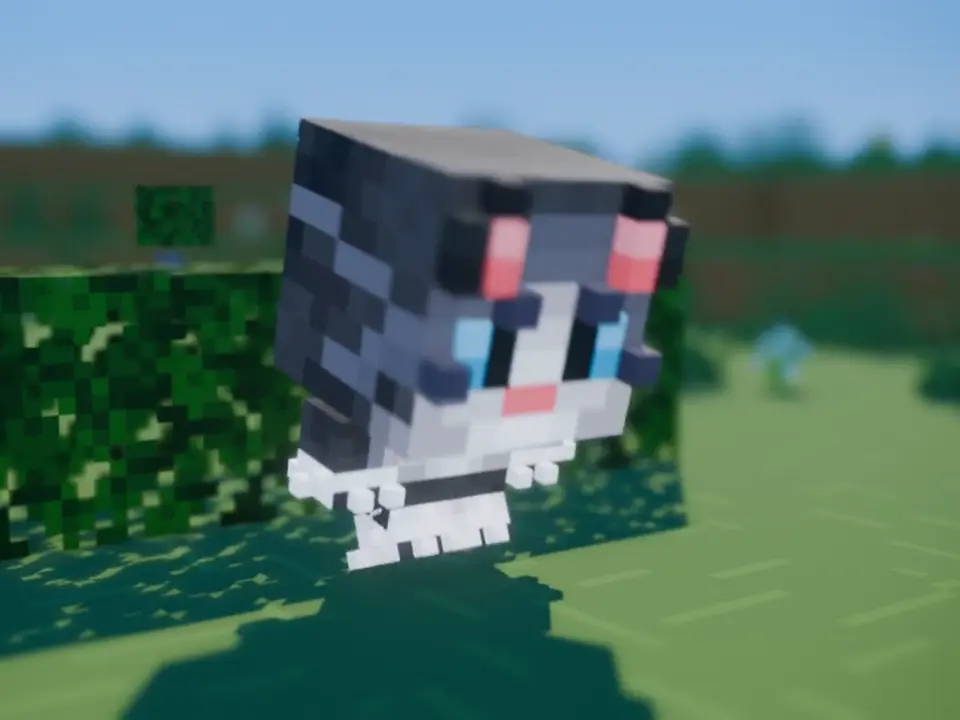
Mobs from your game
Creepers, skeletons, zombies, villagers and more, read from your own copy of the game.
Chibi or normal
Big heads and short legs, or the game's proportions. The same scene, either way.
Callouts on top
Info cards that point at a mob, chat lines, an achievement and an experience bar, in our own pixel design.

Two looks, the same scene.

Cinematic, or Vanilla, just like the game. You choose with one word, and the scene, the camera and the action stay the same. Drag to compare.

The scene with the cinematic look The same scene with the game look Cinematic Vanilla

Your world is the set.

Blocks imports a piece of your Java worlds, the ones already on your computer. It finds the spot where you were, brings that piece with its houses, its water and its light, and animates the scene right there.

  1. 1

    You play and save

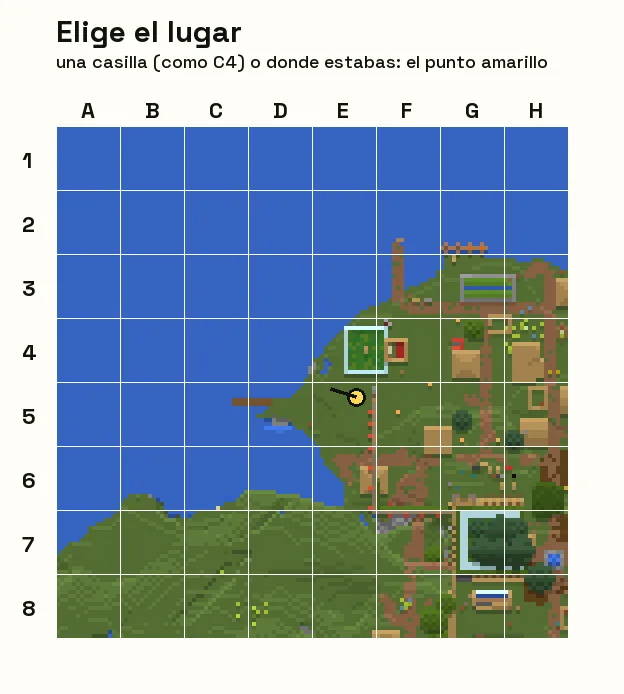
    Stand where you want to film and choose Save and Quit. Or skip even that: pick a square on the map.

  2. 2

    It finds the spot

    It reads your world, finds the chunk you were in and shows you the map with a grid.

  3. 3

    It brings that piece

    It builds the area around the action in 3D, with your blocks and your biome.

  4. 4

    And animates there

    Your characters walk on the real terrain, go around the walls, and the light is the light of that place.

Importing your own worlds works with Java only; Bedrock worlds are not supported yet. Your world is read on your computer and is never modified.

A real world, start to finish.

Top-down map of a survival world with a lettered grid and a yellow dot
1 · The map Blocks shows you
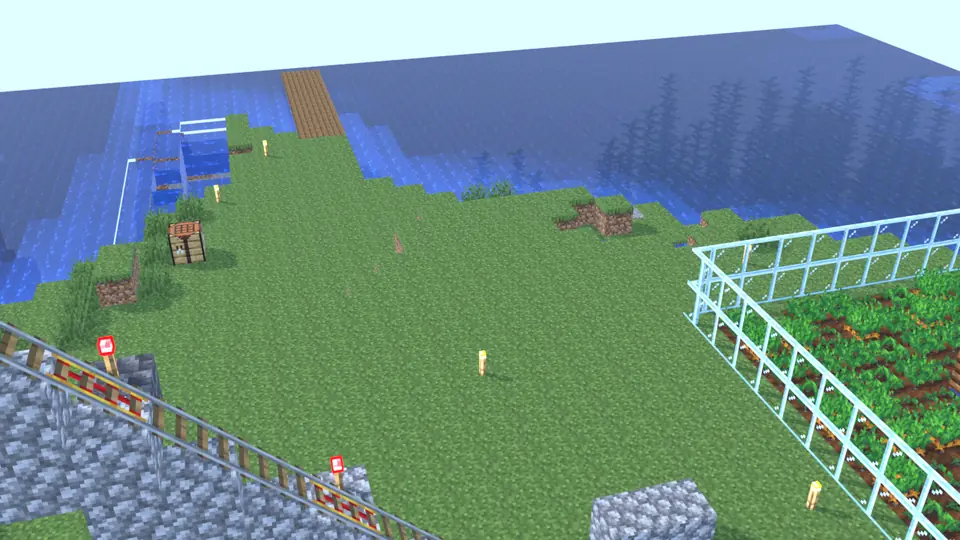
The chosen spot rebuilt in 3D: a coast with a farm and torches
2 · That spot, rebuilt in 3D
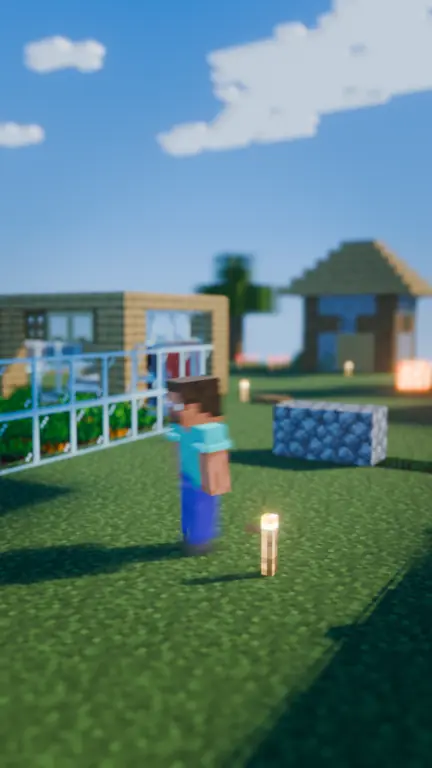
A frame of the animated scene in that same spot
3 · Your scene, right there

A survival world from a real computer: the map, the piece it builds and a frame of the scene animated in that place, with the houses and the farm that were already there.

Get Blocks.

CattCut Add-ons · Edition 1Blocks Animation System

001

Blocksfor Minecraft videos

  • Any skin or character
  • Every mob in your game
  • Worlds made to measure: houses, caves, the Nether and more, from one sentence
  • 100% customizable: add or create whatever you want

Blocks Animation System

You describe the scene in your own words and Claude animates it: your character from your skin, the mobs from your game, your worlds, actions, camera, light and sound. Pick one of the three, all one-time payments.

Blocks

The animation system, yours for good. No updates: you keep your version.

USD 12.99one time

Choose Blocks

Already have CattCut? Add Blocks from your personal page, so it joins your same purchase. The link is in your access email.

What it needs to work

  • Claude Pro or Max, your own plan.
  • Minecraft on your computer: Java (Windows or Mac) or Bedrock (Windows). Not the console or phone version: Blocks reads the characters and textures from your own game.

Not an official Minecraft product. Not approved by or associated with Mojang or Microsoft.

Questions

Do I need to know how to animate or use Blender?

No. You describe what happens and Claude builds the scene, animates it and renders it in Blender. If something is missing on your computer, it sets it up the first time.

Do I have to open the game?

No. Blocks reads the characters, textures and sounds from the copy installed on your computer. Only if you want to film in an exact spot of your world do you go in, stand there and choose Save and Quit.

Which version do I need?

Java (Windows or Mac) or Bedrock (Windows), installed on your computer. Importing your own worlds works with Java only, not Bedrock yet.

Can I use my skin?

Yes. Your character comes from your skin, in normal proportions or chibi.

Do my worlds leave my computer?

No. Your world is read on your computer and is never modified. Claude reads text (your description and a plan of the spot), not your world files.

Is it a subscription?

No. You pay once and it is yours. If you want every new version for good, there is the option with lifetime updates.

Is it an official Minecraft product?

No. Blocks is a Cattory product. It is not approved by or associated with Mojang or Microsoft, and nothing from the game ships inside it: it reads what you already have.

Your next Minecraft video,
animated by talking.

One payment, and the next scene is a sentence away.